
How to Check VRAM Usage in Windows 11: Task Manager, Game Bar and Overlay Methods
How to check VRAM usage in Windows 11 with Task Manager, Xbox Game Bar and HWiNFO, plus how to read dedicated vs shared memory and spot a real VRAM shortage.
We research everything we recommend. When you buy through our links, we may earn a commission. As an Amazon Associate we earn from qualifying purchases.
How to check VRAM usage in Windows 11 with Task Manager, Xbox Game Bar and HWiNFO, plus how to read dedicated vs shared memory and spot a real VRAM shortage.

How much VRAM for 4K gaming? A practical guide to 8GB, 12GB and 16GB cards, where the memory goes, and a budget worksheet to size your next GPU.

How many VRM phases do you need? Often 8 to 12 good ones cover a mainstream CPU. See the per-phase current math, a sizing table and labeling traps.
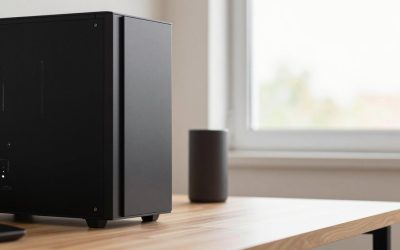
Best gaming PC for VR: seven prebuilt listings compared by GPU, CPU, RAM and storage, with a frame-budget example and a checklist to run before you buy.
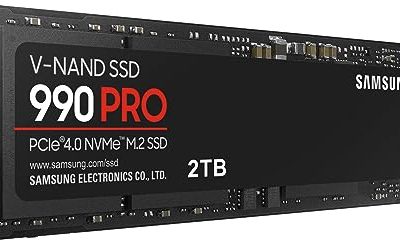
Game installs have grown faster than most storage budgets. A handful of big releases can fill a 1TB drive.
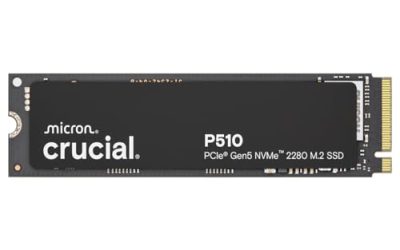
Every drive in a Gen5 roundup quotes a speed that sounds absurd, somewhere between eleven and fifteen thousand megabytes per second.
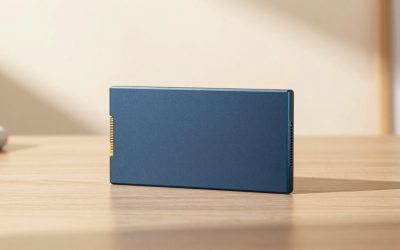
Every few months someone declares the SATA SSD dead, and every few months a gaming PC owner finds a spare 2.5-inch bay.
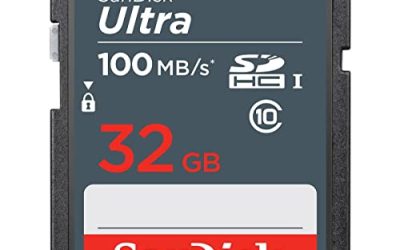
A Chromebook ships with a small internal drive, often 32GB or 64GB, and ChromeOS leans on the cloud to make that feel bigger.
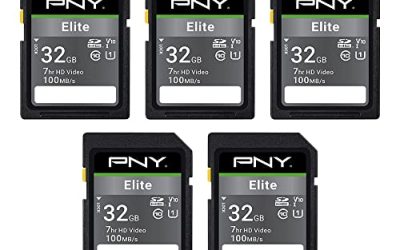
Shopping for a PNY SD card sounds simple until you open the listings and find a dozen near-identical names: Elite, Elite-X, SDHC, SDXC, microSD, U1.
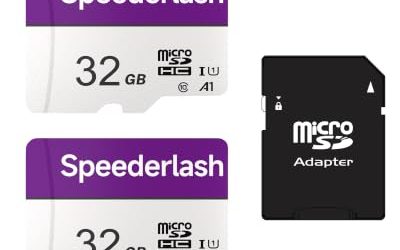
A security camera asks more of a memory card than almost any other device. A phone writes in bursts and then sits idle.