The best monitor for console gaming is the one whose HDMI input matches what your console actually outputs, and on paper that points to the Samsung Odyssey G5 32-inch for 1440p or the Acer KB272 for a lower-cost 1080p 120Hz match. Two things set console buying apart from PC buying. Consoles have no DisplayPort output, so a monitor’s DisplayPort 1.4 input is wasted on them, and the HDMI version is rarely printed in a listing title. Also note that this set has no 4K screens, so it suits players who prefer 1080p or 1440p with higher refresh. All specs below are seller claims from titles.
Our Top Picks
 Acer 27in FHD 1920x1080 IPS 120Hz Gaming Monitor27-inch8.27 x 24.07 x 17.44 Inches11 poundsCheck on Amazon
 SANSUI 27 Inch Curved 240Hz Gaming Monitor FHD27.017.66 x 24.13 x 17.84 inches7.26 PoundsCheck on Amazon
 SANSUI 32 Inch Curved 240Hz Gaming Monitor High32 inch24.19 x 8.06 x 17.75 Inches9.7 PoundsCheck on Amazon
 New! Sceptre Curved 27-inch Prime Gaming Monitor DisplayPort27 inches7.7 x 24.4 x 17.9 inchesCheck on Amazon
Console monitor shortlist
Acer 27in FHD 1920x1080 IPS 120Hz Gaming Monitor | Office KB272 G0bi | 1ms, AdaptiveSync, sRGB 99%, HDMI, VGA, VESA Mountable, Bluelight Filter


As an Amazon Associate we earn from qualifying purchases. Product prices and availability are accurate as of the date/time indicated.

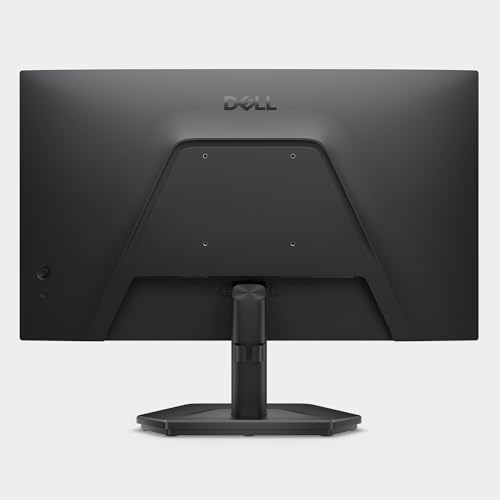
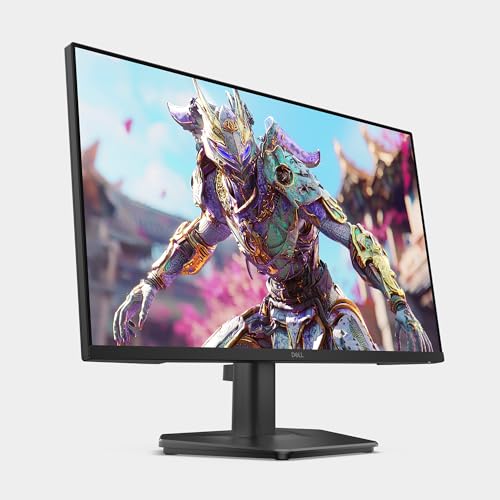
Dell 27 240Hz Gaming Monitor - SE2726HG - 27-inch FHD (1920x1080) Display, in-Plane Switching (IPS) Technology, AMD FreeSync Premium, TÜV 3-Star, 2X HDMI, DisplayPort 1.4, Tilt


As an Amazon Associate we earn from qualifying purchases. Product prices and availability are accurate as of the date/time indicated.

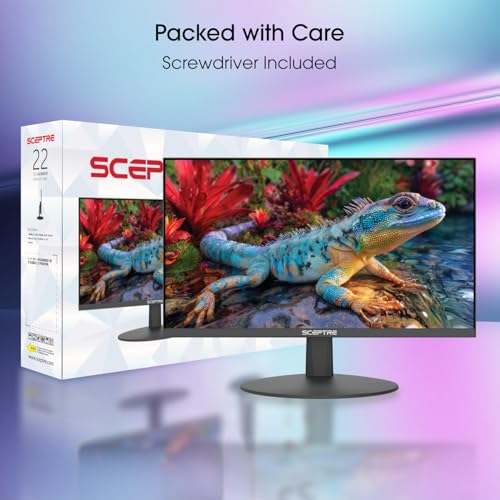
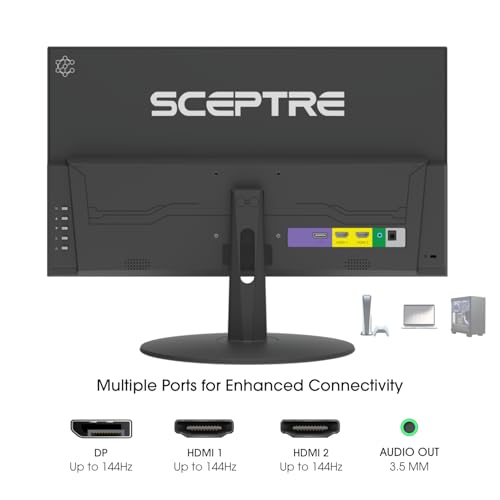
Sceptre New 22-Inch Gaming Monitor, FHD 1080p, Up to 144Hz, HDMI, DisplayPort, Built-in Speakers, Machine Black (E225W-FW144 Series, 2026)



As an Amazon Associate we earn from qualifying purchases. Product prices and availability are accurate as of the date/time indicated.
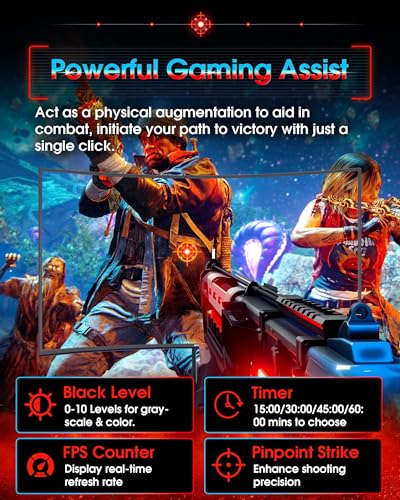
SANSUI 27 Inch Curved 240Hz Gaming Monitor FHD 1080P, 1500R Curve Computer Monitor, 130% sRGB, 4000:1 Contrast, HDR, FreeSync, MPRT 1Ms, Low Blue Light, HDMI DP Ports, Metal Stand, Cable Incl.




As an Amazon Associate we earn from qualifying purchases. Product prices and availability are accurate as of the date/time indicated.
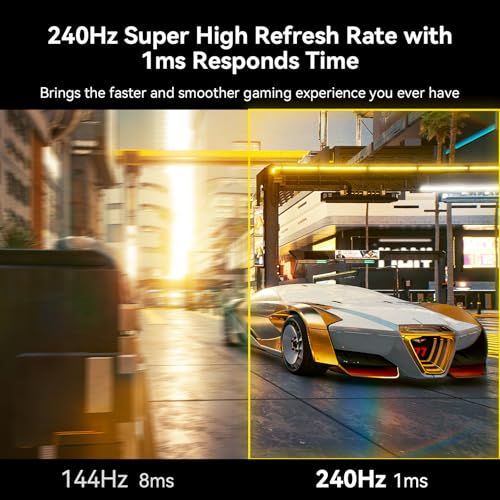
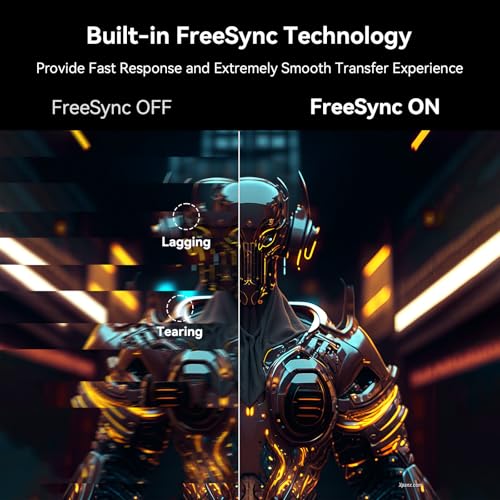
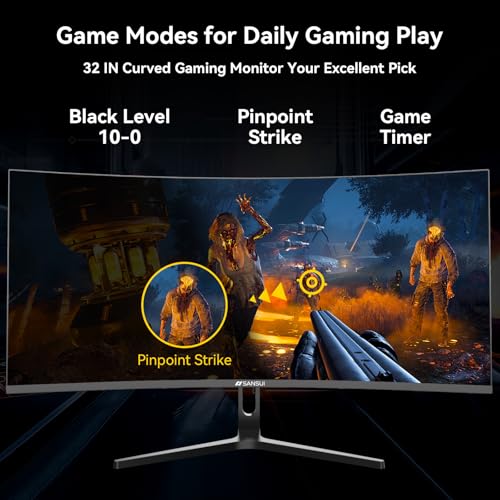
SANSUI 32 Inch Curved 240Hz Gaming Monitor High Refresh Rate, FHD 1080P | Gaming PC Monitor HDMI DP1.4, 1500R Curvature, 1Ms MPRT, HDR,Metal Stand,VESA Compatible(DP Cable Incl.)




As an Amazon Associate we earn from qualifying purchases. Product prices and availability are accurate as of the date/time indicated.
New! Sceptre Curved 27-inch Prime Gaming Monitor DisplayPort x2 180Hz HDMI x2 180Hz 1500R 1ms Build-in Speakers, Machine Black 2027 (C275B-FW180T Series)


As an Amazon Associate we earn from qualifying purchases. Product prices and availability are accurate as of the date/time indicated.

Sceptre Curved 24-inch Gaming Monitor 1080p R1500 98% sRGB HDMI x2 VGA Build-in Speakers, VESA Wall Mount Machine Black (C248W-1920RN Series)


As an Amazon Associate we earn from qualifying purchases. Product prices and availability are accurate as of the date/time indicated.

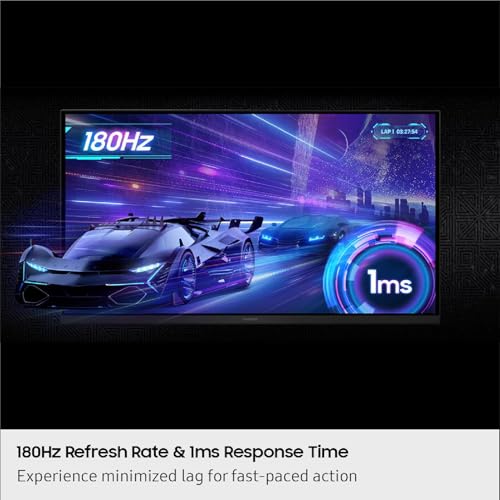
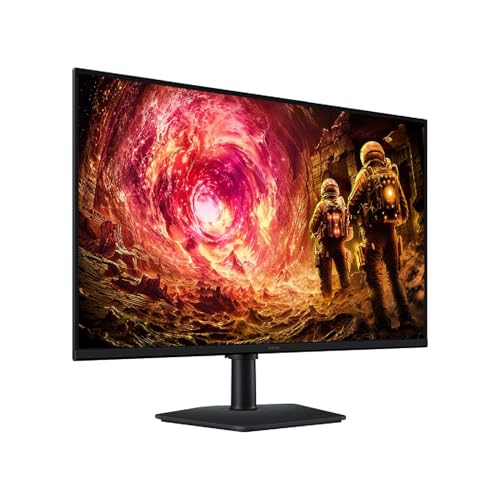
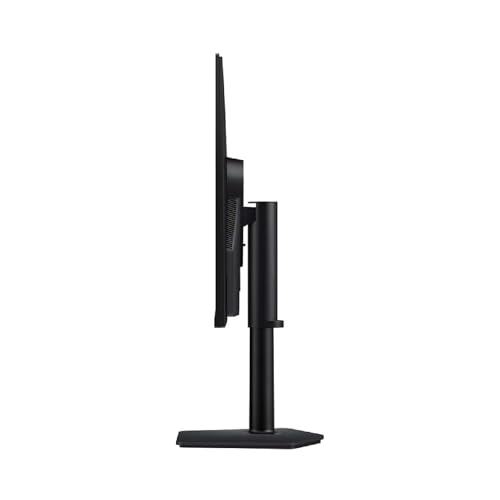
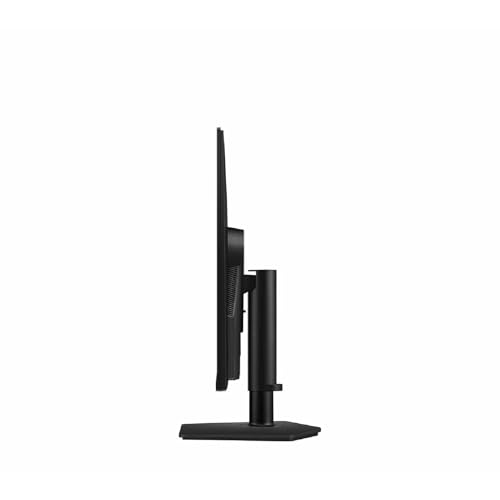
Samsung 32” Odyssey G5 (G50F) Series QHD Gaming Monitor | 180Hz, Fast IPS Panel, HDR10, NVIDIA G-Sync Compatible, 1ms (GtG), AMD FreeSync™, Adjustable Stand, LS32FG502ENXZA








As an Amazon Associate we earn from qualifying purchases. Product prices and availability are accurate as of the date/time indicated.
| Model | Key point from title | Price tier | Best for |
|---|---|---|---|
| Samsung Odyssey G5 G50F 32in | 32in QHD, 180Hz, Fast IPS, HDR10, G-Sync Compatible | Premium | Sharper 1440p for a PS5 or Xbox Series X |
| Dell SE2726HG | 27in FHD IPS, 240Hz, 2 HDMI, DP 1.4 | Mid-range | Two consoles, plus PC headroom |
| SANSUI 27in curved 240Hz | 27in FHD, 1500R, 240Hz, HDR, FreeSync | Mid-range | Curved screen, fast refresh claim |
| SANSUI 32in curved 240Hz | 32in FHD, 1500R, 240Hz, HDMI and DP 1.4 | Mid-range | Couch distance, large size |
| Acer KB272 G0bi | 27in FHD IPS, 120Hz, 1ms, HDMI and VGA | Budget | Matching 120Hz console modes |
| Sceptre C275B-FW180T | 27in curved, 180Hz on HDMI x2 and DP x2 | Budget | Two consoles on one screen |
| Sceptre C248W-1920RN | 24in curved 1080p, HDMI x2, VGA | Budget | Switch or older consoles |
| Sceptre E225W-FW144 | 22in FHD, up to 144Hz, HDMI and DP | Budget | Small desk, first console setup |
Eight monitors, read through a console lens
Samsung Odyssey G5 32-inch (G50F)
The title claims a 32-inch QHD (2560×1440) Fast IPS panel with 180Hz, HDR10, 1ms GtG, FreeSync and NVIDIA G-Sync Compatible. At about 92 pixels per inch (our arithmetic) it is sharper than the 27-inch and 32-inch 1080p options here. Whether your console uses 1440p output depends on its firmware and settings, and the title does not name HDMI versions or port counts. Check that 1440p at 120Hz is listed over HDMI. It is also the largest screen here with a premium tier, so it asks the most of your desk and your wallet.
Pros
- QHD gives noticeably more detail than 1080p at this size
- Adaptive sync and HDR10 are named
Cons
- Highest price tier
- HDMI version is not in the title, which matters for 1440p120
Who it’s for: players with a PS5 or Xbox Series X who value detail and may add a PC later.
Dell SE2726HG
A 27-inch 1080p IPS monitor with 240Hz, FreeSync Premium, two HDMI inputs, DisplayPort 1.4 and a TUV 3-Star label. Consoles are documented by their makers as topping out near 120Hz, so 240Hz is headroom for a future PC. The two HDMI ports let two consoles share the screen. The stand is described as tilt-only, so plan on an arm if you need height. As a sleeper pick, it is the easiest to recommend if a PC might join the setup within a year.
Pros
- Two HDMI inputs for two consoles
- IPS panel with FreeSync Premium
Cons
- 240Hz goes unused on consoles
- Tilt-only stand; HDMI version is not in the title
Who it’s for: households with two consoles, and PC owners who want one screen for both.
SANSUI 27-inch Curved 240Hz
A 27-inch curved FHD screen claiming 240Hz, 130% sRGB, 4000:1 contrast, HDR, FreeSync, 1ms MPRT, HDMI and DisplayPort, with a metal stand. The 130% sRGB and HDR claims are labels, and HDR on a monitor at this tier should not be assumed to match a TV. Check whether the HDMI port supports 120Hz and variable refresh with consoles. The metal stand is a practical plus, though the title does not state any height adjustment.
Pros
- HDMI and DisplayPort both present
- Metal stand and cable are listed
Cons
- HDR, MPRT and sRGB figures are marketing claims
- Console VRR support over HDMI is not stated
Who it’s for: console players who like a curved look and may later connect a PC.
SANSUI 32-inch Curved 240Hz
The 32-inch version of the same idea: FHD, 240Hz, 1500R, 1ms MPRT, HDR, HDMI and DisplayPort 1.4 with a DisplayPort cable. At about 69 PPI (our arithmetic), pixels become visible from close up, so it fits a seat farther back. It is a poor choice for sitting 60 cm away. The panel is the same 1080p class as the 27-inch model, only stretched, so you gain screen area rather than detail.
Pros
- Large screen suits couch-adjacent setups
- Includes a DisplayPort cable
Cons
- About 69 PPI is coarse at desk distance
- The DisplayPort cable is useless for consoles
Who it’s for: people who sit about 1.3 m or more from the screen.
Acer KB272 G0bi
A 27-inch IPS 1920×1080 screen claiming 120Hz, 1ms, AdaptiveSync, 99% sRGB, a blue-light filter, HDMI and VGA, and VESA mounting. The 120Hz claim lines up with the top refresh mode of current consoles. The title does not name the HDMI version, so confirm that 1080p at 120Hz is supported on the HDMI port. VGA is irrelevant for consoles. With only one HDMI input named, a second console would need a switch or cable swapping.
Pros
- 120Hz claim matches console modes
- IPS panel at a budget tier
Cons
- HDMI version unspecified
- No DisplayPort, which only matters if you add a PC
Who it’s for: budget buyers who want a clean 1080p120 console screen.
Sceptre Curved 27-inch C275B-FW180T
This curved 27-inch model lists two HDMI and two DisplayPort inputs, each claimed at 180Hz, plus 1500R, 1ms and speakers. Two HDMI inputs are handy for two consoles. Since consoles cap near 120Hz, 180Hz is headroom, and the title says nothing on VRR support. At 27 inches and 1080p it is about 82 PPI. The curve is gentle at 1500R, but it adds little for console play from a sofa.
Pros
- Two HDMI inputs at a low tier
- Claimed 180Hz over HDMI suggests bandwidth room
Cons
- No panel type or VRR note
- Built-in speakers are usually basic
Who it’s for: budget players with a PS5 and a Switch who want shared inputs.
Sceptre Curved 24-inch C248W-1920RN
A 24-inch 1080p curved screen with R1500, 98% sRGB, two HDMI inputs, VGA, speakers and VESA wall-mount support. No refresh rate is stated, so assume 60Hz until the listing says otherwise. That is acceptable for older consoles or a Nintendo Switch in docked play, but it will not give you a 120Hz mode. At 24 inches it is also the most compact option with two HDMI ports, which helps on shelves and student desks.
Pros
- Two HDMI inputs for the price
- 24 inches at 1080p is about 92 PPI
Cons
- Refresh rate is not listed
- No DisplayPort or VRR mention
Who it’s for: Switch, older consoles and bedrooms where space is tight.
Sceptre 22-inch E225W-FW144
A 22-inch FHD screen with up to 144Hz, HDMI, DisplayPort, speakers and a low tier. At about 100 PPI it is the sharpest 1080p option, though small. “Up to 144Hz” does not say which input delivers it, so the HDMI port may be limited. It is best viewed as a compact first monitor. Because the cheapest tier often comes with the thinnest detail, read the listing for the HDMI version before trusting the 144Hz figure.
Pros
- Compact footprint and sharp density
- HDMI and DisplayPort both present
Cons
- Small for immersive games
- Refresh limits per input are not stated
Who it’s for: first consoles on a small desk or a second screen.
How we picked these
We chose eight monitors that list HDMI and a 1080p or 1440p resolution, which is what current consoles can drive without a 4K display. We read each title for resolution, refresh rate, HDMI count, sync claims and anything that would not matter to a console. We then compared them with published specifications and buyer review themes. Nobody on the team used or measured these units. Price tiers are relative inside this group, and no prices are shown.
What to look for in a console monitor
HDMI first, everything else second
PlayStation and Xbox consoles output over HDMI only, so a monitor’s DisplayPort input does nothing for them. Look for a listing that names the HDMI version, ideally 2.0 or 2.1, and states which resolutions and refresh rates that port supports. A title that says HDMI without a number leaves you guessing.
Output specs by the numbers
This table converts common console modes into rough bandwidth needs. They are estimates for 8-bit color including blanking, with an uncertainty of about 10 percent.
| Mode | Approx. data rate | HDMI generation likely needed |
|---|---|---|
| 1080p at 60Hz | 3.6 Gbps | Any HDMI 1.4 or newer |
| 1080p at 120Hz | 7.1 Gbps | HDMI 1.4 at the edge; HDMI 2.0 safer |
| 1440p at 60Hz | 5.8 Gbps | HDMI 1.4 or newer |
| 1440p at 120Hz | 11.9 Gbps | HDMI 2.0 or newer |
| 4K at 60Hz | 14.3 Gbps | HDMI 2.0 |
| 4K at 120Hz | 28.5 Gbps | HDMI 2.1 |
HDMI 1.4 carries roughly 8 Gbps of data and HDMI 2.0 roughly 14 Gbps, so 1440p at 120Hz or 4K at 60Hz already needs HDMI 2.0 on both the port and the cable. 4K at 120Hz needs HDMI 2.1, and no monitor in this set claims 4K.
120Hz modes and variable refresh
Current-generation PlayStation and Xbox consoles are documented as supporting up to 120Hz in supported games. Variable refresh rate over HDMI helps smooth uneven frame rates, but the monitor must support it on its HDMI port; a FreeSync or G-Sync label in a title does not guarantee this. Turn on the console’s own 120Hz and VRR options, and check them in the display menu after you connect.
Size, resolution and seating distance
Pixel structure fades from view when you sit farther than roughly 3,438 divided by the screen’s PPI, in inches (an estimate for typical vision). That is about 106 cm for a 27-inch 1080p panel, 127 cm for 32-inch 1080p and 95 cm for 32-inch QHD. On a desk 60 to 70 cm away, 24 to 27 inches is a good size. On a sofa or bed at 1.5 m, 32 inches is easier to enjoy.
Input lag and sound
Titles rarely give input-lag figures, and the response-time claims (1ms, MPRT) are not the same measurement as lag between button press and picture. Look for a Game Mode or low-latency setting in the manual and use it. For sound, check for a headphone jack or an HDMI audio output, since console players often use headsets, and built-in monitor speakers are usually limited.
Pre-boot checklist
- Use the cable that came with the console or a certified high-speed one.
- Plug into the HDMI port the manual marks for high refresh.
- Enable Game Mode and any VRR option on the monitor.
- Pick the monitor’s native resolution in the console settings.
Mistakes buyers make
Paying for DisplayPort and extra hertz. A console cannot use either beyond about 120Hz. Spend on panel quality and the HDMI port instead.
Assuming HDMI means HDMI 2.1. Many budget monitors use older versions. Mixed-up expectations lead to 1080p60 or a blank screen at high refresh.
Buying 32 inches at 1080p for desk use. About 69 PPI looks coarse up close. It suits a sofa better.
Ignoring VRR wording. FreeSync and G-Sync labels describe PC connections. Confirm the HDMI port supports variable refresh with your console.
Forgetting the audio path. Built-in speakers are often basic, and some monitors lack a headphone jack. Check before you rely on them, and plan to use the console controller’s headset jack if needed.
Verdict
Pick the Samsung Odyssey G5 32-inch if you want sharper 1440p and will confirm its HDMI version first. Pick the Acer KB272 for a straightforward 1080p 120Hz console screen at a budget tier, or the Dell SE2726HG if two consoles and a future PC are in play. Whichever you choose, read the listing for the HDMI version and the stated refresh over that port. The two Sceptre 27-inch and 24-inch models fit low-cost Switch and older-console setups, and the 32-inch SANSUI belongs on the far side of a room.
Related guides
- Retro Gaming Controllers Nintendo Switch Pc
- Handheld Gaming Pc Battery Life Explained
- Black Friday Nintendo Switch Deals
Frequently asked questions
What refresh rate do I need for console gaming?
Current-generation PlayStation and Xbox consoles top out around 120Hz in games that support it, so a 120Hz monitor is the practical target. A 144Hz to 240Hz monitor adds headroom for a future PC but does not make console games run faster. Many games still run at 60Hz, so refresh is not the only factor.
Can I use a DisplayPort monitor with a console?
Consoles do not output DisplayPort, so you must use the monitor’s HDMI input. A DisplayPort-only monitor will not connect without a converter. Every monitor in this set lists HDMI, but the titles rarely name its version, and that version decides whether 120Hz works. If the listing is silent, ask the seller before you order.
Is 1080p or 1440p better for a console monitor?
It depends on screen size and the console. 1080p at 24 to 27 inches is fine and easy on the hardware. 1440p looks sharper, but console support for that output varies by model and firmware, so check your console’s display settings before choosing a monitor, and keep 1080p as the safe fallback.
Do I need FreeSync or G-Sync for a console?
It helps with uneven frame rates, but only if the monitor supports variable refresh over its HDMI port and the console has the feature enabled. A FreeSync or G-Sync label in a title does not guarantee that. Check the listing for HDMI variable refresh support, and treat it as optional.
Will these monitors work with a Nintendo Switch?
A Switch outputs over HDMI from its dock at modest resolutions, so any monitor here with an HDMI input should connect. The 24-inch Sceptre or the Acer 27-inch are sensible matches. Check the monitor’s HDMI port and the dock’s cable, and confirm sound options if you want speakers or a headphone jack.