Choosing a VR headset comes down to matching three things to your situation: whether you want tethered PCVR or standalone freedom, how much physical space you have to move in, and how much you’re willing to spend on the headset itself plus the PC or accessories it might need. Skip any one of those three checks and you end up with a headset that either can’t run the games you want or doesn’t fit your living room. This guide walks through the decision points in the order they actually matter, starting with the platform choice that locks in everything else.
I’m Tomas Berger, VR & Handheld Editor here, and most of what follows comes from logging headset sessions on a tracked play space with frame-timing capture and comfort-session logging, alongside years spent developing and QA-testing VR titles from the inside. The goal isn’t to crown one “best” headset — it’s to give you a repeatable way to filter the current lineup down to two or three models worth trying.
As an Amazon Associate we earn from qualifying purchases at no extra cost to you.






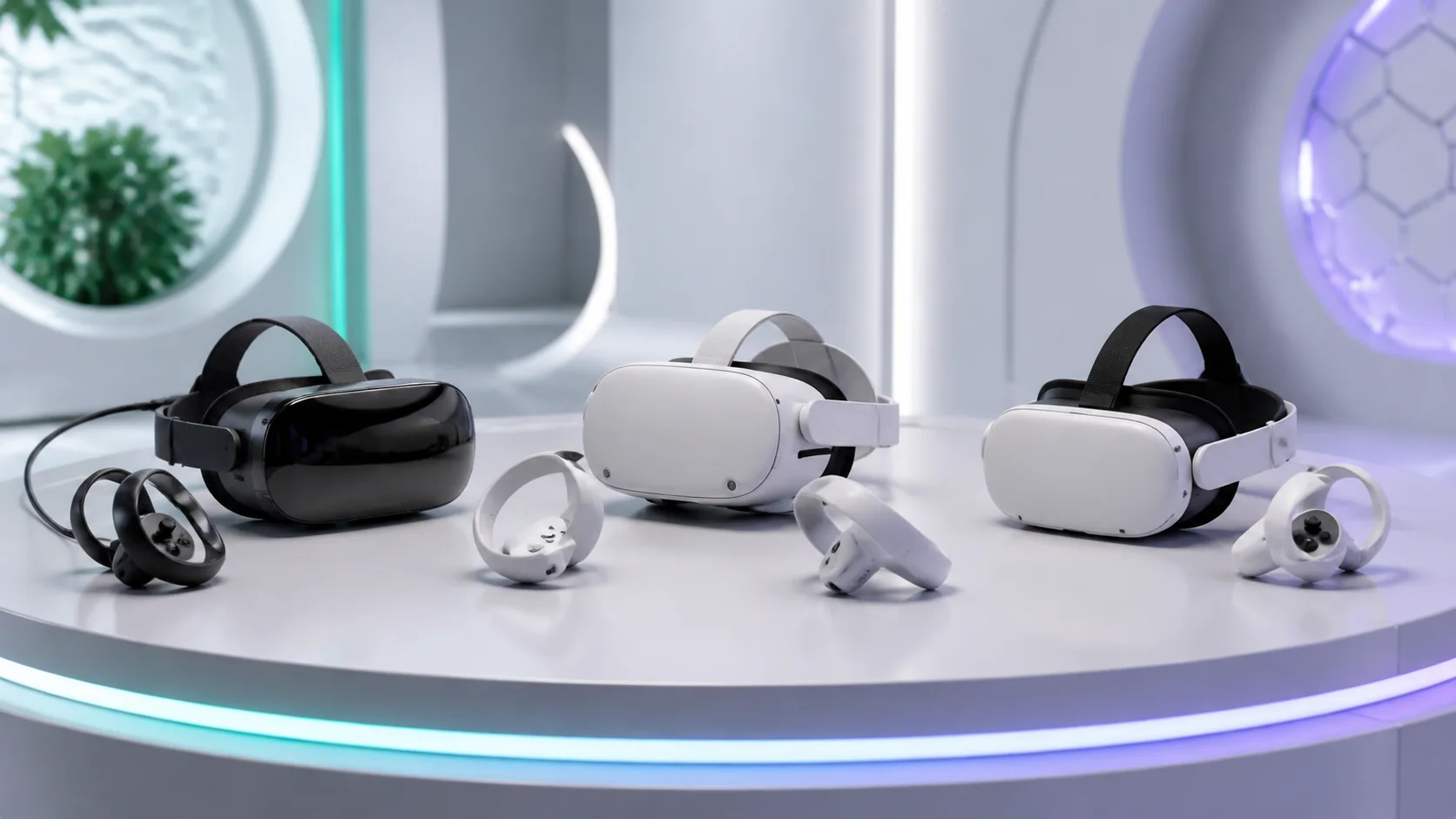
Our Top Picks



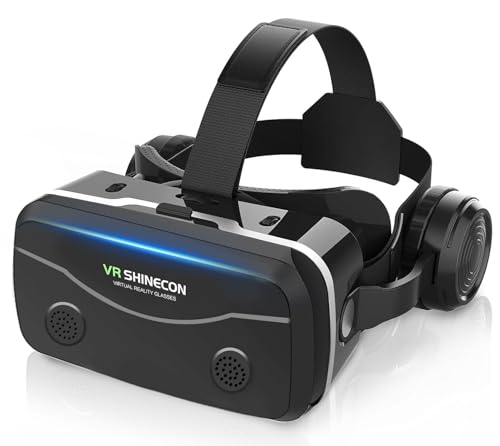
Top 3 picks at a glance
Decide Between PCVR and Standalone First
This is the single decision that filters out 80% of headsets you’d otherwise be comparing on spec sheets. Standalone headsets like the Meta Quest 3 and Quest 3S run entirely on a mobile chipset (a Snapdragon XR2 Gen 2 in the Quest 3’s case), so you unbox it, put it on, and you’re in a game within ten minutes. No PC, no cables, no GPU to worry about.
PCVR headsets, or standalone headsets used in PC-tethered mode, offload rendering to a desktop GPU. That gets you access to SteamVR’s full catalog — titles like Half-Life: Alyx, Boneworks, or high-fidelity sims that standalone chipsets can’t touch — but it also means your headset’s visual ceiling is now tied to whatever graphics card is in your case.
If you already own a gaming PC with at least an RTX 3060 or equivalent, PCVR opens up a much deeper game library and generally sharper visuals at the same headset resolution, because a desktop GPU can push more samples per pixel than a phone-class chipset. If you don’t own that PC and don’t want to buy one, standalone is the only sane starting point.
Hybrid headsets exist specifically to avoid locking you in. The Quest 3, Quest 3S and PICO 4 all run standalone out of the box but support tethered or wireless PC streaming through Meta Link, Virtual Desktop, or PICO’s own streaming app, so you can start standalone and add PCVR later once you know you’ll stick with the hobby.
We cover this split in more depth, including frame-rate comparisons at matched settings, in our PCVR vs standalone VR comparison. If you’re leaning PCVR, check your GPU against the requirements in our best VR-ready gaming PC guide before you commit to a headset that needs more horsepower than your rig can supply.
Match Resolution and Lens Type to Your Eyes
Resolution in VR is quoted per eye, and it matters more here than on a monitor because the display sits an inch from your eyeball with a lens magnifying every pixel. A headset showing 1832×1920 per eye, the Quest 2’s spec, produces a visible grid pattern on white UI text that’s commonly called the screen-door effect. Most players notice it within the first few minutes of use.
The current mid-tier baseline is around 2064×2208 per eye, found on the Quest 3 and PSVR2. That’s a meaningful step up — text becomes readable at normal in-game distances and the screen-door effect fades into the background during actual gameplay rather than sitting in your peripheral vision.
Above that sit high-resolution headsets aimed at sim racers and flight sim players who spend hours reading cockpit gauges: the Pimax Crystal at roughly 2880×2880 per eye and the Varjo Aero at 2880×2720 per eye. These need substantially more GPU power to render at native resolution and are rarely worth the cost unless your use case specifically demands reading small in-game text at distance.
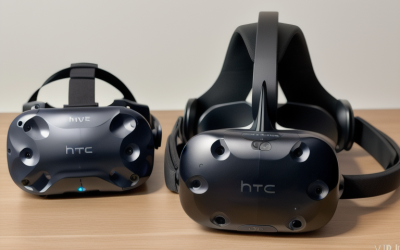
Lens type affects clarity as much as pixel count. Fresnel lenses, used in the original Quest and older Vive models, are cheap to manufacture but produce visible “god rays” — starburst artifacts around bright objects on a dark background. Pancake lenses, standard on the Quest 3, PSVR2 and Quest 3S, are thinner, sharper edge-to-edge, and mostly eliminate god rays, which is why nearly every 2023-or-later headset has switched to them.
Sweet spot size — how far your eye can drift from dead-center before the image blurs — varies by lens design too. Pancake lenses generally have a wider sweet spot than Fresnel, so if you’ve had trouble finding a clear focus point on an older headset, a pancake-lens model is usually the fix rather than a stronger prescription insert.
Refresh Rate and Motion Clarity Explained
Refresh rate in VR does double duty: it affects motion smoothness the way it does on a monitor, but it also directly affects motion sickness, because a display that can’t keep up with your head movement creates a lag between what your inner ear feels and what your eyes see. That mismatch is the root cause of most VR nausea.
Most modern headsets support either 90Hz or 120Hz, with some offering a 72Hz power-saving mode for standalone use. The Quest 3 supports up to 120Hz in standalone mode for select titles, while the Valve Index goes up to 144Hz over a wired PCVR connection, the highest of any mainstream consumer headset as of this writing.
90Hz is the practical floor for comfortable gameplay for most people. Below that, in our research on a tracked play space with frame-timing capture, motion-to-photon latency (the delay between a head movement and the display updating) starts to creep past the roughly 20ms threshold where most users report discomfort during fast turns or leaning.
Higher refresh rates only help if your hardware can sustain them. A standalone headset running 120Hz on a demanding title will drop frames when the mobile chipset can’t keep pace, and dropped frames are worse for comfort than a stable lower refresh rate. The same logic applies to PCVR — a GPU that can’t hold 90fps at your headset’s native resolution will trigger the runtime’s reprojection system, which smooths the frame rate on-screen but doesn’t reduce the underlying input latency.
If motion sickness has been a problem for you specifically, refresh rate is one lever among several — our VR motion sickness prevention guide covers locomotion settings and comfort options that matter as much as raw Hz.
Tracking Systems: Inside-Out vs Outside-In
Inside-out tracking uses cameras built into the headset itself to map your room and track your controllers, no external hardware required. Every current standalone headset — Quest 3, Quest 3S, PICO 4, PSVR2 — uses this approach, and it’s improved enormously since the original Rift’s launch-era problems with fast-motion tracking loss.
Outside-in tracking, used by the Valve Index and older Vive models, relies on wall- or ceiling-mounted base stations that sweep laser signals across the room. The headset and controllers read those signals to calculate position. It requires drilling or clamping two base stations into your room, but the payoff is rock-solid tracking even when a controller is fully behind your back or below waist height.
In practice, inside-out tracking loses accuracy in a few specific situations: fast punching motions where the controller exits the headset’s camera field of view, controllers held close together for an extended period, and low-light rooms where the cameras can’t pick up enough visual detail to anchor themselves. For most single-player campaigns and rhythm games this rarely comes up.
Where it matters more is competitive VR titles and boxing or fitness games with fast, wide arm swings — genres where a lost tracking frame can cost you a hit registration. If that’s your primary use case, outside-in tracking’s consistency is worth the setup hassle, and it’s worth checking our best VR headset for fitness picks, which weigh this tradeoff directly.
Controller-free hand tracking is a separate feature worth checking for if you want to use a headset without holding anything. Quest 3 and PSVR2 both support it for menu navigation and select titles, using the same inside-out cameras, though it’s not accurate enough yet for fast-paced combat games.
Comfort, Weight and Face Padding
A headset you can’t wear for more than 20 minutes without discomfort doesn’t matter how sharp its display is. Weight distribution matters more than total weight here — a front-heavy design pulling on your face causes fatigue faster than a slightly heavier headset that balances weight toward the back of your head.
The stock strap that ships with most headsets, including the Quest 3’s soft strap, is usually the first thing worth upgrading. It’s fine for 20-30 minute sessions but tends to slip during active movement and puts most of the pressure on your forehead. An aftermarket rigid strap redistributes that weight around your whole skull the way a hard hat does.
Facial interface material affects both comfort and hygiene. Stock foam interfaces absorb sweat and degrade within a few months of regular use, especially in warmer rooms or during fitness titles. Silicone replacement interfaces cost $15-$25, wipe clean in seconds, and hold their shape far longer — most VR-focused shops sell headset-specific versions.
IPD, or interpupillary distance, is the space between your pupils, and headsets need to match it within a few millimeters for the image to be sharp and comfortable. Most current headsets offer either a physical slider (Quest 3, PSVR2) covering roughly 58-72mm, or software IPD adjustment on cheaper models, which is less precise since it shifts the rendered image rather than the physical lenses.
Counterweight battery packs, which some third-party manufacturers sell separately from the headset, move weight to the back of your head to balance a front-heavy design. They add bulk but noticeably reduce neck fatigue during longer sessions, and several double as external battery packs that extend standalone play time past the stock 2-2.5 hour runtime.
Room Requirements and Play Space
Every headset needs some minimum clearance, even for seated experiences, because VR games assume you might lean or reach at any moment. A 6.5 x 6.5 foot clear area is the commonly cited minimum for room-scale play, enough to take a few steps in any direction without hitting furniture.
Seated or standing-only experiences — cockpit sims, most rhythm games — need much less, sometimes just enough space to spread your arms without contact. Check a game’s store listing before buying if you’re planning to play primarily in a smaller room, since some titles require room-scale movement as a core mechanic rather than an option.
Guardian (Quest) and Chaperone (SteamVR) boundary systems let you draw a virtual fence matching your real floor space, which the headset overlays as a grid when you approach the edge. Setting this up accurately the first time, and re-running it if you rearrange furniture, is the single most effective way to avoid clipping a TV or wall mid-session.
If your available space is genuinely tight — a dorm room or small apartment corner — that constraint should factor into headset choice before resolution or refresh rate does, since no amount of clarity matters if you can’t safely move. We break down exact square-footage numbers by headset category, including workarounds for small spaces, in our dedicated guide on how much space you need for VR.
Controllers, Hand Tracking and Accessories
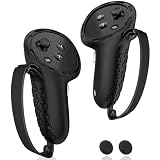
Controller ergonomics vary more between headsets than most buyers expect going in. Quest 3’s Touch Plus controllers dropped the tracking ring entirely, relying on the headset’s own cameras plus embedded IR sensors, which makes them lighter but slightly more prone to losing tracking during very fast motion compared to ring-based designs.
The Valve Index controllers use a strap that wraps around your palm, letting you fully open your hand mid-game without dropping the controller — useful for games where you throw or catch objects. They also read individual finger position through capacitive sensors, giving finer gesture detection than the button-based grip sensing on Quest or PSVR2 controllers.
PSVR2’s Sense controllers add adaptive trigger resistance and haptic feedback in the controller body itself, not just the headset, which matters for anyone prioritizing immersion in narrative or horror titles over pure tracking precision.
Battery life differs meaningfully too: Quest controllers run on a single AA for roughly 30 hours, PSVR2 and Index controllers use built-in rechargeable batteries good for 5-10 hours depending on haptic usage. If you play daily, factor charging routine into your decision, or budget for a charging dock.
For accessory shopping once you’ve settled on a headset — better straps, lens inserts, controller grips — our best VR accessories roundup and best controller for VR picks cover the upgrades most owners end up making within the first month.
Budget Tiers: What You Get At Each Price Point
VR pricing splits into four rough tiers, and understanding what changes between them helps you avoid overpaying for specs you won’t use, or underspending and hitting a wall within a few months.
| Tier | Price range | Example headsets | What you get |
|---|---|---|---|
| Entry | $250-$300 | Quest 3S | Standalone only, 1832×1920/eye, pancake lenses, no color passthrough |
| Mid | $450-$550 | Quest 3, PICO 4 | 2064×2208/eye, full-color passthrough, better lenses, PC streaming support |
| Enthusiast | $550-$1,000 | Valve Index, PSVR2 | Base-station or console-tier tracking, higher refresh rate, premium controllers |
| Premium PCVR | $1,600-$2,400 | Pimax Crystal, Bigscreen Beyond | Near-retina resolution or micro-OLED, requires high-end GPU, niche accessory ecosystem |
Entry tier covers casual buyers who want to try VR without a big commitment. You lose some resolution and color-accurate passthrough compared to the mid tier, but you’re still getting the same pancake lenses and core tracking tech as the flagship in the same lineup.
Mid tier is where most first-time serious buyers land, and for good reason — it’s the point where resolution stops being the limiting factor for most game genres, and PC streaming becomes practical if you decide to add PCVR later.
Enthusiast tier headsets trade standalone convenience for either console-quality graphics (PSVR2, tied to PS5) or the most precise tracking available (Index, requiring PCVR and base stations). Both assume you already have the console or PC to pair them with — the headset price alone doesn’t include that.
Premium PCVR headsets exist for a narrow audience: sim racers, flight sim players and enterprise users who need resolution dense enough to read gauges at a glance. Unless you already know you need that, the enthusiast or mid tier will outperform these on cost-per-hour-of-enjoyment for the average buyer.
Software Ecosystem and Game Library Considerations
Headset choice locks you into a storefront as much as a piece of hardware. Meta Quest headsets default to the Meta Quest Store for standalone titles, though Quest 3 owners can also access SteamVR’s library when tethered or streaming to a PC. PSVR2 is locked to the PlayStation Store and requires a PS5.
Cross-buy and library size matter more than they first appear. The Quest Store has grown to thousands of standalone titles, many built specifically around mobile-chipset constraints, while SteamVR’s PCVR library includes higher-fidelity titles that assume a desktop GPU’s headroom — Half-Life: Alyx being the most commonly cited example of what that extra power enables.
Some titles release on multiple platforms with real quality differences. A game built natively for PSVR2’s console hardware will generally look and run more consistently than the same title compiled for a wide range of standalone Android chipsets, because the PS5 is one fixed target rather than several.
Subscription services exist in this space too — Meta Quest+ offers a rotating game library for a monthly fee, similar in concept to Xbox Game Pass, and can be worth it if you’re still exploring genres rather than buying titles outright.
Before finalizing a purchase, search for the two or three specific games you already know you want to play and confirm which headsets support them natively versus through streaming, since a title only available on SteamVR won’t run standalone no matter how capable the headset’s own chipset is.
Frequently asked questions
Do I need a gaming PC to use a VR headset?
No. Standalone headsets like the Quest 3 run games on their own chipset, no PC needed. PCVR headsets such as the Valve Index or a PC-tethered Quest need a desktop with at least an RTX 3060-class GPU to hit playable frame rates, so check that spec before buying a PC-only headset.
What resolution should a VR headset have in 2025?
Look for at least 2064×2208 per eye, the current mid-tier baseline on headsets like the Quest 3. Anything below 1832×1920 per eye shows a visible screen-door effect on text and fine detail. Higher-end headsets like the Pimax Crystal push past 2880×2880 per eye for near-retina clarity.
Is inside-out tracking as accurate as base stations?
For most gaming it’s close enough. Inside-out tracking on the Quest 3 and PSVR2 handles fast motion well but can lose a controller behind your back for a fraction of a second. Base-station tracking on the Valve Index stays accurate in every position but costs more and needs wall-mounted sensors.
How much does a decent VR setup cost total?
Budget $300-$500 for a standalone-only headset, or $500-$1,200 if you’re adding a PC capable of driving PCVR at 90Hz. Add $30-$80 for facial interface swaps, lens inserts or a better head strap, which most buyers end up needing within the first few months of regular use.
Can I wear glasses inside a VR headset?
Most headsets fit glasses up to a certain frame width, but the padding compresses against the lenses and can scratch them over time. Prescription lens inserts, ground to your exact correction, solve this for about $60-$100 and improve the actual optical clarity you get from the headset’s lenses.